How does WHM interact with cPanel?
Suppose you have several domains to host, it is always better that each has its own cPanel account. This way, you ensure that if one domain is infected with malware, others are not affected at all. However, managing multiple cPanel accounts can get complicated. This is where the need for WHM arises. Using WHM, you can isolate each domain, create its separate cPanel account, and allocate the plan’s resources among them in the way you consider the best.Who can use WHM?
WHM is available to VPS hosting, Reseller Hosting, and Dedicated Hosting users but not to shared hosting users. So, if you use any of the qualifying hosting services, you can use WHM.Why using WHM is beneficial?
As WHM integrates all your cPanel accounts, the obvious benefit is that it saves you time and provides security. Also, it makes your cPanels compliant with regulatory standards.Upgrading the cPanel package through WHM
As you can control your cPanel accounts through WHM, you can also upgrade or downgrade your account plans through it. One of the most common instances when you might need to upgrade or downgrade is your website’s popularity changes. In such a case, you would require hosting resources that accommodate the changing popularity. WHM simplifies changing the package from the dashboard itself, and therefore, it is critical to know how to do it.How WHM simplifies the process
Suppose your current package offers only 1 add-on domain, but you want to upgrade to the package with 10 add-on domains. Increasing add-on domains can require you to add more MySQL databases or disk space. Adjusting the add-on domains manually will not make all the corresponding changes in your plan, and you might even make errors in doing so. Therefore, it is best to upgrade the plan using WHM so that all the related changes are done in an error-free manner.How to upgrade or downgrade the package from WHM?
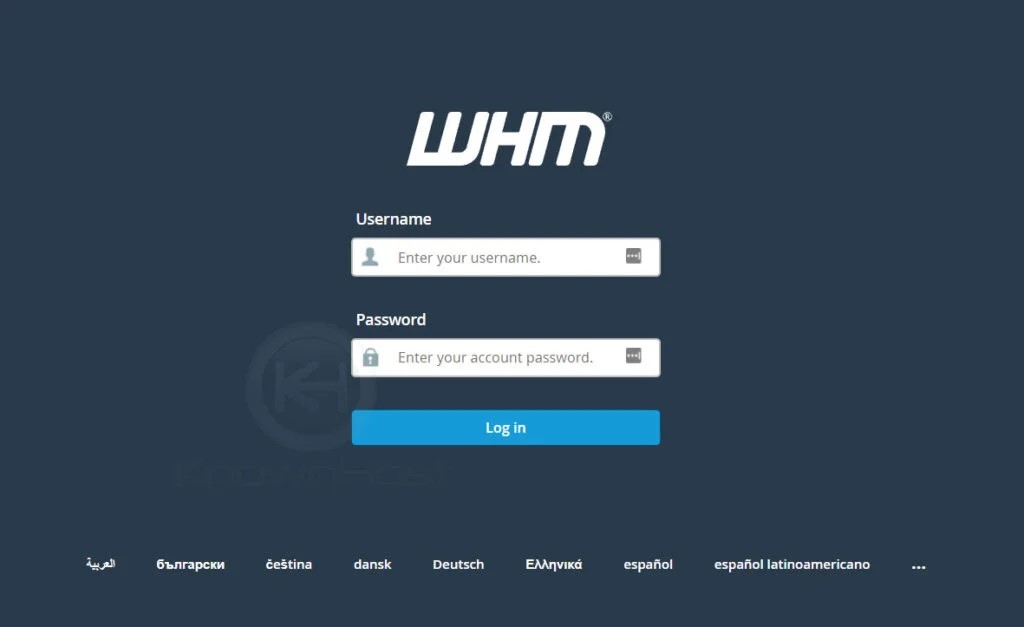
Follow the below steps to change your cPanel plan from WHM:Step 1: Log in to WHM