

Viewing the options
- Log in to your account.
- Click the Place new order menu tab.
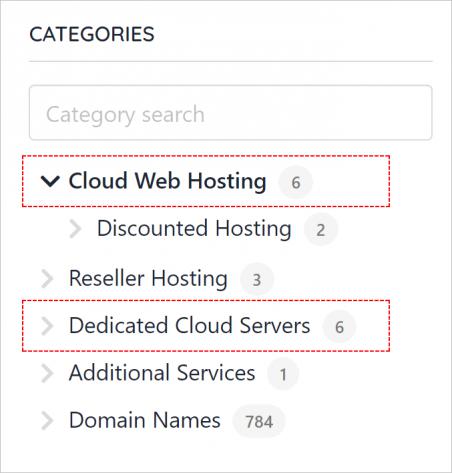
- On the left menu, click Cloud Web Hosting or Dedicated Cloud Servers to read about our current offerings.
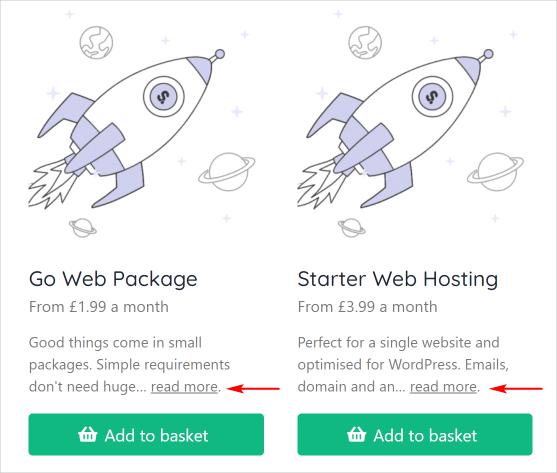
 Click an icon or the Read more link to see hosting service details.
Ordering a service
- Click the Add to basket button.
- Review the options and select a billing term.
- Select a server location.
- Enter your account domain name (e.g. www.example.com).
- Click the Add to basket button.
- Review the order details.
- Add discount code. (optional)
- Click the Continue to checkout button.
Checkout page
- On the Checkout page, review the order one more time.
- Add payment details.
- Click the Place order & pay button to complete the transaction.